

You can:
- Update your Meeting Scheduler settings in Camper Machine at any time.
- Change the meeting date, time, location, or description as needed.
- Decide whether Camper Machine sends automatic notifications to participants when you make changes.
This article will provide information on how to edit Meeting settings.
Editing Account Settings #
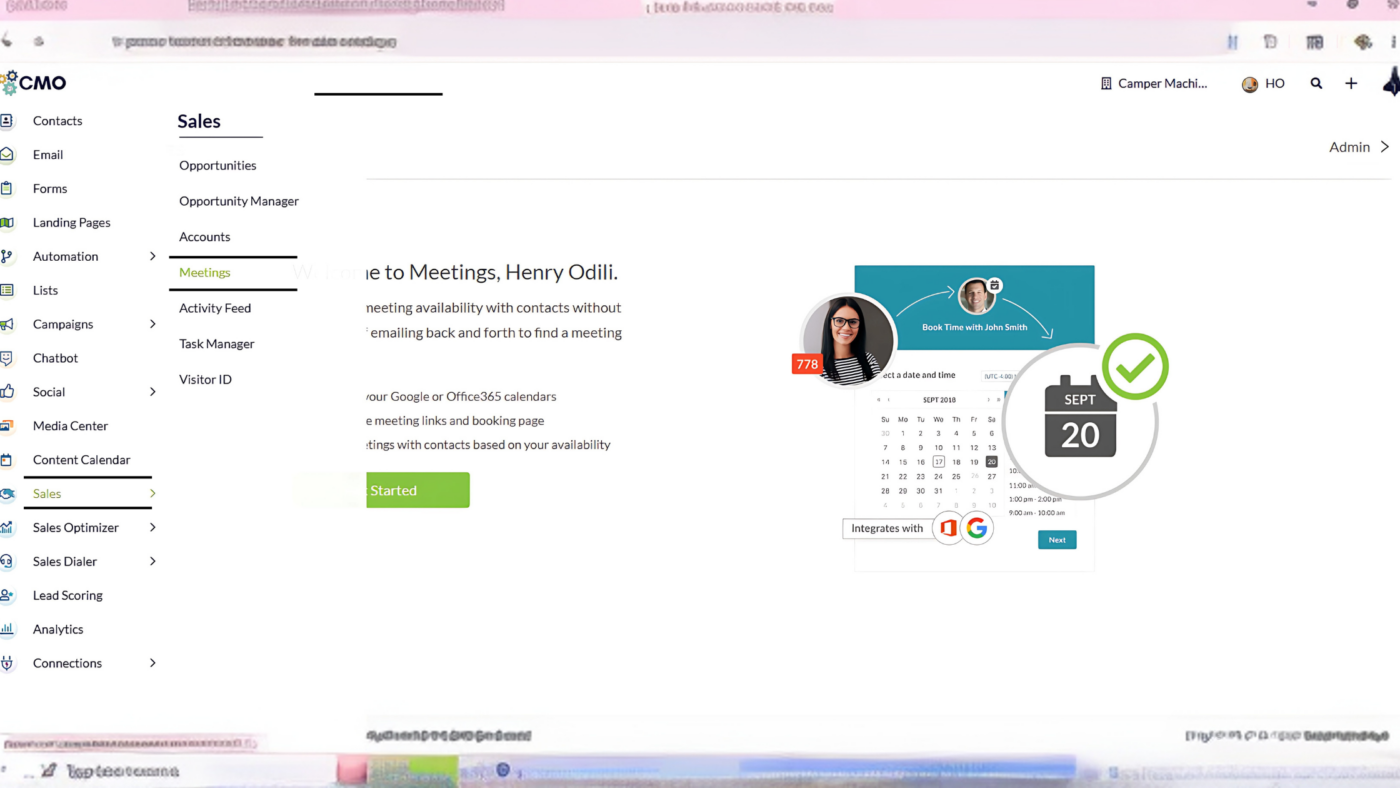
Click Sales > Meetings in the left toolbar.
Click Edit in the Account section
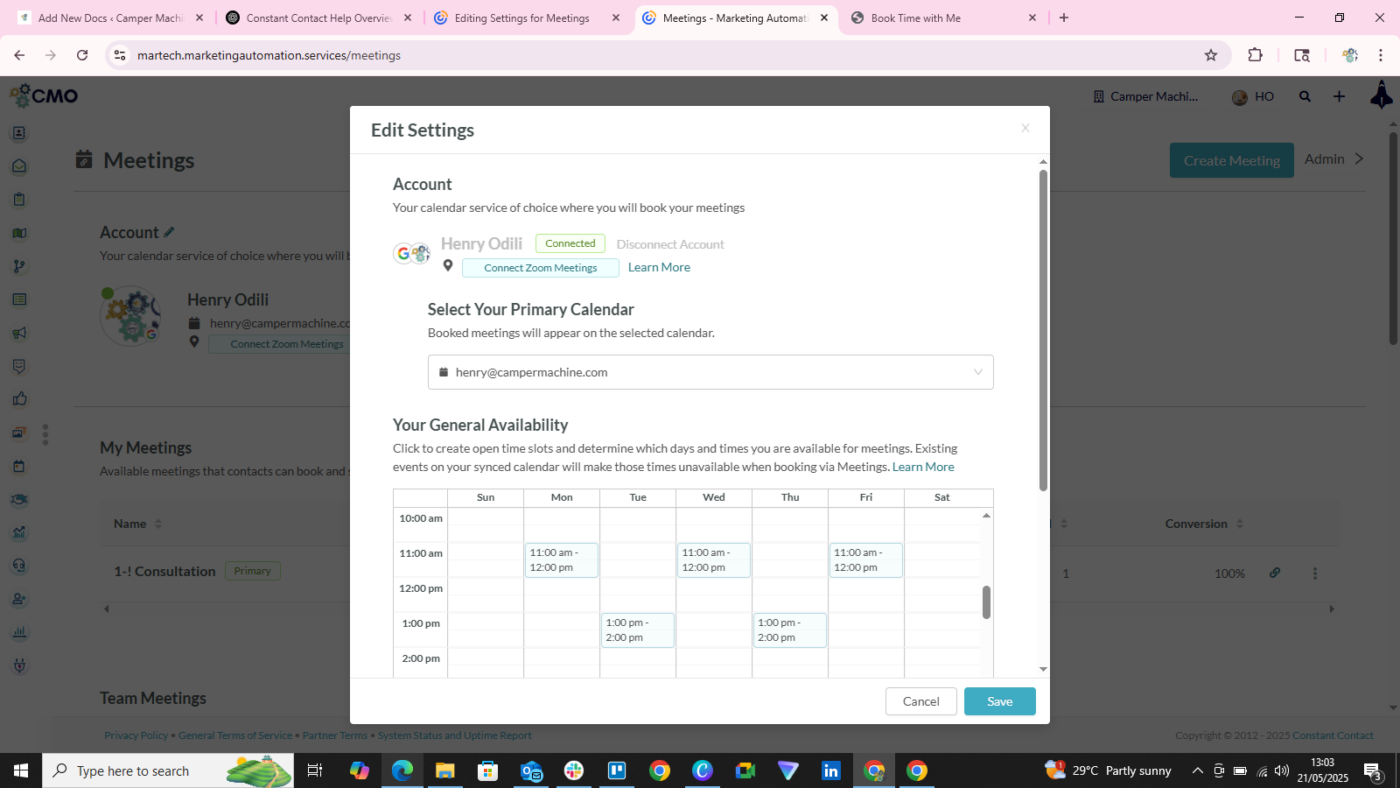
Select the desired calendar from the Select Primary Calendar drop-down menu.
Select additional calendars to use in the Sync Other Calendars text field.
Click Save.
Editing Availability Time Settings #
You can change when and for how long you are available on a given day. To edit when you are available during the week, do the following
Click Sales > Meetings in the left toolbar.
Click  Edit in the General Availability section.
Click the desired weekday.
Click-and-drag the time block to the desired start time
- Drag the menu’s
 Length setting to the desired starting and ending times for the time block.
 - Optionally, click
 Delete to remove an time block.
Click Save.
Editing Notification Settings #
You can be notified of when someone books a meeting with you. To modify how you receive notifications, do the following:
Click Sales > Meetings in the left toolbar
Click Edit in the Notification Settings section

Click the Create a task each time a new meeting is booked checkbox.
Click any combination of the Receive meeting reminders before a scheduled meeting checkboxes
- 15 minutes
- 24 Hours
Click Save